
Phonism by Inlayer

Every device starts compliant.

Devices provision from compliant configuration templates, so every device in the fleet starts in policy and stays there.
Config and Compliance Layers

01

Define the template

02

Apply on activation

03

Lock and enforce

Templates · Compliance Lock · E911

Configuration that stays in policy.

Today
What needs to change.

Configurations drift device by device. Manual changes, inconsistent templates and missing location data leave a fleet out of policy and hard to audit.

With Phonism
Automation in the workflow.

Auto-apply templates set every device to an approved configuration and keep it there. Compliance Lock flags and corrects changes made outside policy.

From template to enforced policy.

01

Build templates once

Define approved configurations by model, site or customer, across 16 manufacturers.

02

Apply automatically

Devices pick up the right template at activation, with no manual setup.

03

Enforce continuously

Out-of-policy changes are caught and reverted, and every device stays reportable.
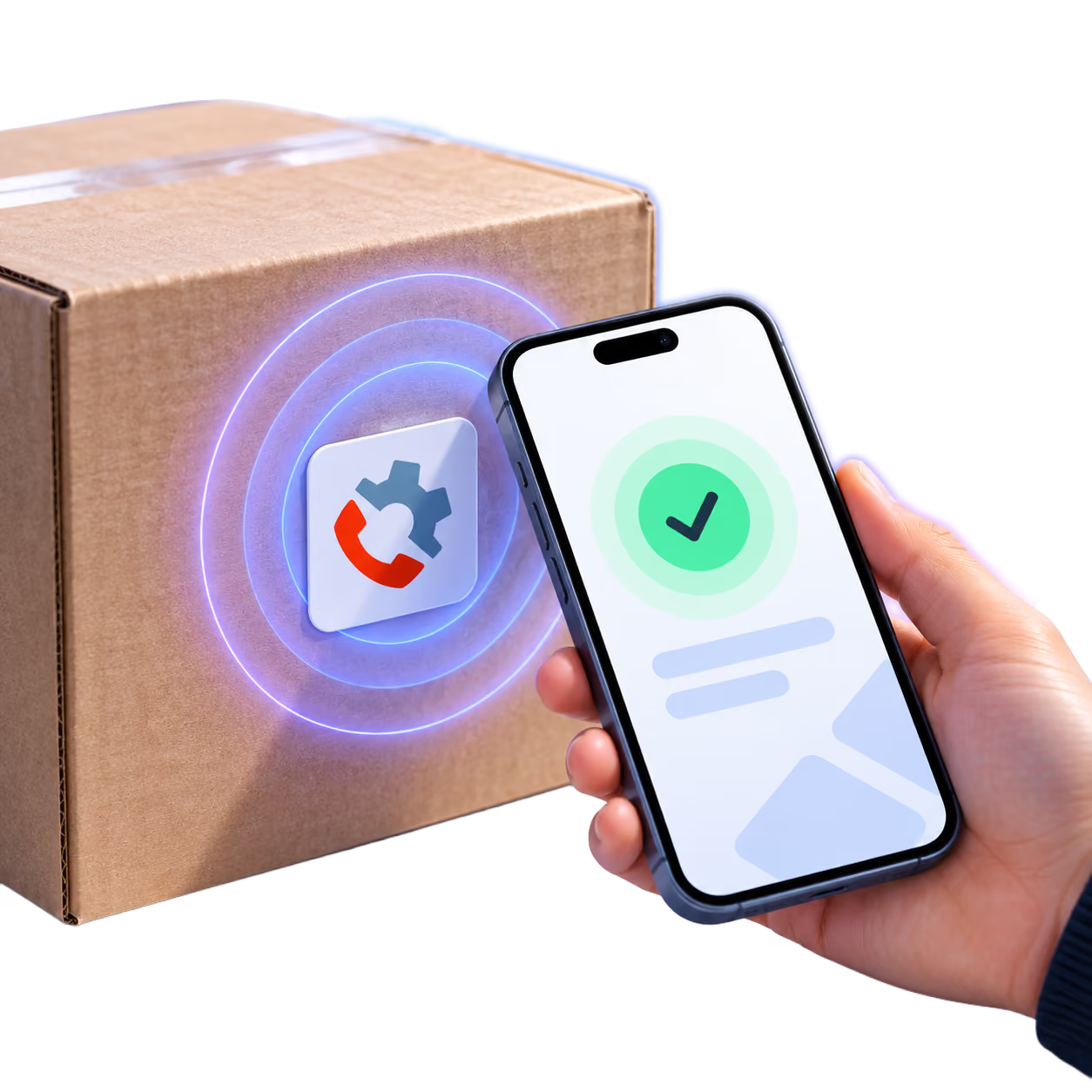
Add tap to configure

Pair your templates with one-tap activation.

Tap to Configure from Presence by Inlayer lets an authorized person activate a device on site with a single tap. Phonism applies the compliant template, and a verified user and location are paired to the device for E911, with no technician visit.
Tapping a phone to Phonism sticker on a shipment box containing a phone.

Bring verified trust
into your next conversation.

Explore the fit for your organization with the Inlayer team.
Inlayer